
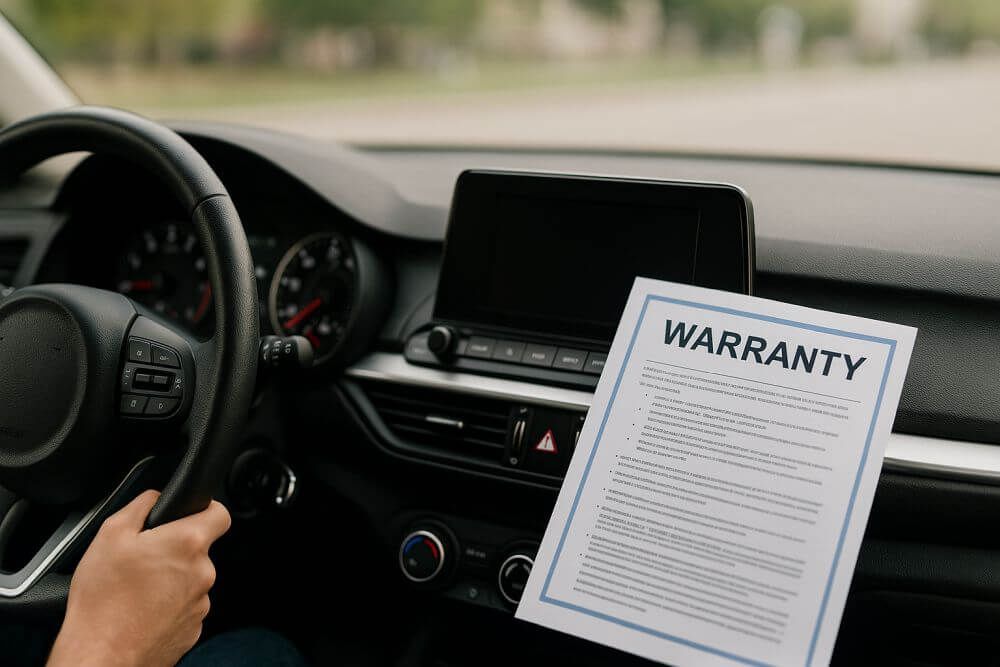
Buying a used car can be a smart financial move—but only if you verify exactly what you’re getting. One of the most important steps is confirming whether the vehicle still has active factory or extended warranty coverage. Fortunately, there’s a fast, free way to do this: you can check car warranty status by VIN using a trusted lookup tool such as the Warranty Check by VIN (hyperlinked for easy access).
Why Vehicle Warranty Status Matters
Knowing whether a car is still under warranty can:
- Save you thousands on unexpected repairs
- Help you negotiate a stronger deal
- Determine if you’re eligible for free dealership repairs or diagnostics
- Ensure your purchase aligns with remaining factory coverage
For sellers, sharing accurate warranty details builds trust, credibility, and higher resale value.
Explore More Than Just Warranty Status
If you're evaluating a vehicle, these tools help you make a smarter decision:
- Free VIN Check – Reveal Accidents, Titles & More
- Vehicle Research Hub – Compare Tools & Guides
- Car Value by VIN – See Your Car's Worth Instantly
How to Check Car Warranty by VIN — Free & Fast
You don’t need to call dealerships or search through old paperwork. Just follow these simple steps:
Step 1: Locate the VIN
Find the 17-character VIN on:
- Driver’s side dashboard (visible through the windshield)
- Driver's door jamb sticker
- Vehicle title or insurance documents
Step 2: Use a Free VIN Warranty Lookup Tool
Visit the Warranty Check by VIN page and enter your VIN to instantly view:
- Factory warranty coverage (powertrain, bumper-to-bumper, emissions, corrosion)
- Warranty expiration dates by mileage or time
- Active recall information
- Remaining coverage based on original in-service date
This lookup is free, instant, and doesn’t require you to create an account.
What You Learn From a Warranty Lookup
| Info Type | What It Tells You |
|---|---|
| Factory Warranty | Whether the original warranty is still active |
| Powertrain Coverage | Engine, transmission, drivetrain status |
| Extended Warranty | Whether additional coverage was added |
| Expiration Milestones | Remaining months or miles |
| OEM Contact Info | How to follow up with the manufacturer |
Real-World Scenarios Where It Helps
- Used car buyers: Verify if a 2020 Toyota Camry still has factory warranty before making an offer.
- Private sellers: Strengthen listings by providing verifiable warranty details.
- CPO shoppers: Confirm whether the dealership’s Certified Pre-Owned warranty is truly active.
What a Warranty Check Won’t Show
A basic VIN warranty lookup may not include:
- Third-party or aftermarket service contracts
- Wear-and-tear coverage voids (e.g., modification-related issues)
- Maintenance or service history records
For a full picture, pair it with a Free VIN History Check to review accident, title, lien, and odometer history.
Final Thoughts: A Quick Check That Can Save You Big
Don’t assume a vehicle still has warranty coverage—verify it before you buy or sell. With a free Warranty Check by VIN, you can see essential warranty details in seconds.
It’s fast, free, secure, and requires only your VIN.
Frequently Asked Questions (FAQ)
How do I know if my car still has factory warranty?
Use a VIN lookup tool to check manufacturer records. If your vehicle is still within the original time or mileage limits, it may still be covered.
Can I check extended warranty coverage by VIN?
Some extended warranties are linked to the VIN and may appear in reports. For full details, contact the warranty provider.
Do all VIN tools show warranty details?
No. Many VIN decoders only reveal specs. Use a specialized warranty lookup for accurate coverage information.
Can factory warranties transfer to new owners?
Yes—most are transferable. VIN-based warranty reports help determine eligibility.